
Conference System Maintenance Tips to Maximize Performance

A well-maintained conference system is essential for ensuring clear communication, smooth meeting experiences, and professional audio performance in any business or institutional setting. Whether it’s a boardroom, lecture hall, training space, or government meeting room, even the most advanced equipment can suffer from reduced sound quality or technical failures without proper care. Regular maintenance helps keep microphones, speakers, processors, and control systems operating at their best.
Investing in a professional Conference System is a smart move for any business or institution — but keeping it in top shape requires more than just installation. Regular maintenance ensures consistent performance, prevents audio failures, and extends the life of your Conference Microphones and related components.
Implementing effective maintenance practices not only prevents unexpected interruptions but also extends the lifespan of your equipment, reduces repair costs, and ensures that your meetings remain efficient and productive. From routine inspections and firmware updates to proper handling and environmental control, a proactive maintenance strategy is the key to maximizing performance and keeping every meeting running seamlessly.
Why Conference System Maintenance Matters
Even the most advanced conference systems can face issues if neglected:
- Dropouts in sound or mic function
- Feedback or distortion
- Dust and debris affecting performance
- Software glitches or outdated firmware
Routine maintenance keeps your equipment running smoothly — whether it’s for daily team meetings, high-stakes presentations, or public council sessions.
Regular conference system maintenance is crucial because it directly affects audio clarity, system reliability, and the overall quality of your meetings. Even the most advanced microphones, audio processors, mixers, and speakers can experience gradual performance decline over time due to factors such as dust accumulation, environmental humidity, cable wear and tear, outdated firmware, or inconsistent usage practices by different users. Without proper upkeep, small technical issues can escalate into noticeable disruptions—such as audio dropouts, echo, feedback, distorted sound, or connection failures—ultimately interrupting important discussions and undermining the professionalism of your meeting environment.
Routine maintenance does more than just prevent problems; it also helps extend the lifespan of your conference equipment. High-quality audio systems are long-term investments, and proper care ensures that every component—from wired and wireless microphones to speakers, DSPs, network switches, control panels, and software interfaces—continues to function at its optimal performance level. This reduces the likelihood of unexpected breakdowns, costly repairs, or premature replacements, helping businesses maintain budget efficiency over time.
Additionally, well-maintained systems contribute to a smoother and more efficient meeting experience. When equipment operates reliably, meeting organizers and participants can focus fully on discussions, decision-making, and presentations rather than troubleshooting unexpected audio issues. This leads to improved productivity, higher meeting effectiveness, and increased user confidence—especially important for client presentations, executive discussions, and hybrid meetings involving remote participants.
By taking a proactive approach and addressing potential issues early, businesses can minimize downtime, ensure consistent performance, and maintain a polished, professional image. Regular inspections, updates, and cleaning routines help create a stable communication environment where every meeting runs smoothly and without interruption—reinforcing the importance of a well-maintained conference system as a key contributor to organizational efficiency.
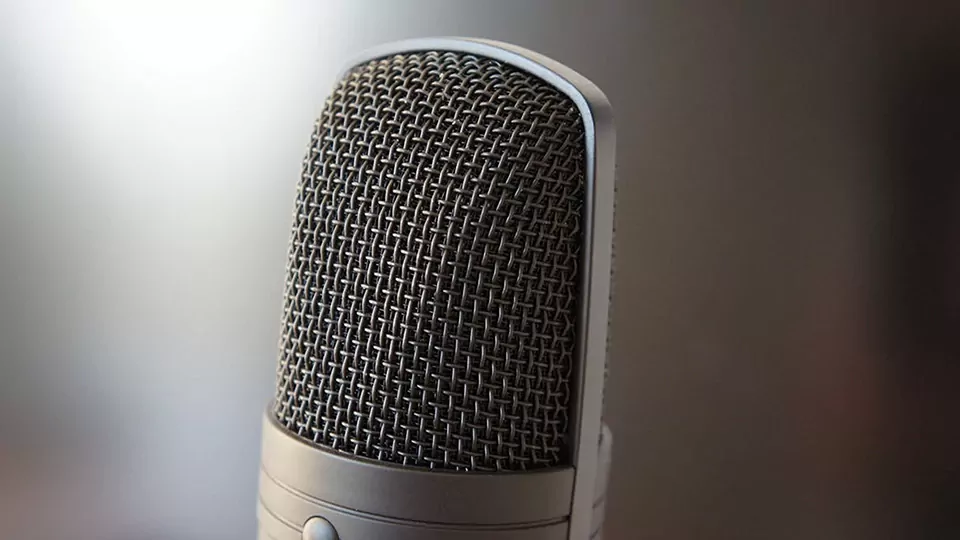
1. Keep Microphones Clean and Protected
Conference microphones, especially tabletop or gooseneck types, are used frequently. To maintain clarity:
- Use disposable mic covers, especially in shared environments
- Clean mic surfaces gently with a microfiber cloth and isopropyl alcohol
- Avoid moisture or spraying cleaners directly on the mic
- Store wireless mics in cases when not in use
If using battery-operated microphones, ensure batteries are removed during long periods of inactivity.
Keeping microphones clean and properly protected is essential for maintaining consistent audio quality and extending the life of your equipment. Microphones—especially handheld, lapel, and gooseneck types—are frequently exposed to dust, moisture, and physical contact, all of which can affect sensitivity and clarity over time. Regularly wiping microphone surfaces with a soft, non-abrasive cloth and using approved disinfectants helps prevent buildup that can interfere with sound pickup.
For wireless microphones, it is important to protect the grille and capsule from moisture caused by breath, sweat, or handling. Using windscreens or foam covers provides an extra layer of protection and also improves vocal clarity in environments with air movement or background noise. These covers should be cleaned or replaced periodically to maintain hygiene and performance.
Proper storage is another key factor. Microphones should always be kept in protective cases when not in use to prevent accidental drops, pressure damage, or exposure to humidity. Batteries in wireless microphones should also be removed if the devices will be unused for an extended period to avoid leakage that could damage internal components.
By following simple cleaning routines and implementing protective measures, users can help ensure that microphones deliver clear, reliable sound throughout every meeting and remain in good condition for long-term use.
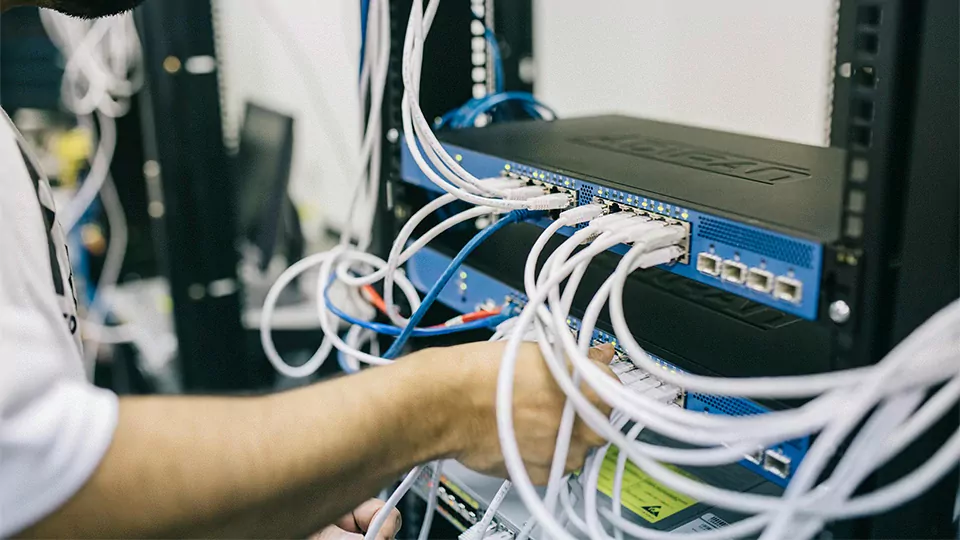
2. Check Connections and Cables
Loose or faulty connections are common sources of audio problems:
- Inspect mic and speaker cables regularly for fraying or pin damage
- Ensure connections are secure, especially after room reconfigurations
- Label cables to avoid confusion and damage from unplugging
For wireless conference systems, check charging docks and signal strength periodically.
Regularly checking connections and cables is essential to ensuring a stable and high-quality conference audio system. Over time, cables can become loose, worn, or damaged, leading to issues such as intermittent sound, crackling noise, or complete audio dropouts. Inspecting all audio, network, and power cables helps you identify early signs of fraying, bent connectors, or poor contact before they cause noticeable disruptions during important meetings.
It is also important to verify that all connectors—such as XLR, 3.5mm, USB, HDMI, and Ethernet—are firmly seated in their ports. Loose or partially connected cables are one of the most common causes of audio instability. Regularly reseating and organizing cables helps maintain signal integrity and prevents accidental unplugging.
In addition, proper cable management plays a major role in system reliability. Keeping cables neatly routed and secured using ties or trays reduces strain on connectors and minimizes the risk of tangling or tripping hazards. Avoid placing audio cables near power lines to prevent unwanted electrical interference that can introduce hum or noise into the sound system.
By conducting routine visual checks, securing loose connections, and replacing aging cables promptly, businesses can maintain a clean signal path and ensure that every meeting runs smoothly without unexpected audio interruptions.
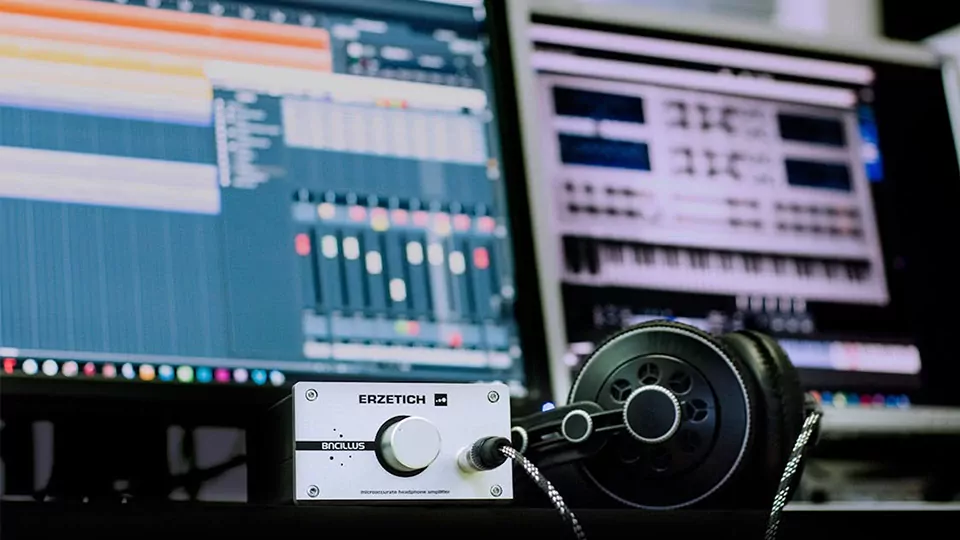
3. Update Firmware and Software
Modern conference systems often include DSPs, control panels, or integration software. Keep systems up-to-date to:
- Fix bugs
- Improve compatibility with new devices
- Access enhanced features
- Boost security and performance
Schedule quarterly firmware checks and back up your configuration files beforehand.
Keeping your conference system up to date is essential for maintaining stability, compatibility, and performance. Manufacturers regularly release firmware and software updates that include bug fixes, security patches, and performance improvements, all of which help ensure your audio system operates smoothly. Ignoring these updates may lead to glitches, unexpected behavior, or reduced compatibility with newer devices and conferencing platforms.
Regularly updating your DSP processors, wireless microphone receivers, control panels, audio interfaces, and management software ensures that each component functions as intended. Many updates also introduce new features or enhanced audio processing algorithms, which can improve clarity, reduce latency, or optimize noise suppression during meetings. Staying current allows your system to benefit from these improvements without requiring hardware upgrades.
It is equally important to verify compatibility before applying updates—especially in integrated systems where multiple devices communicate over a network. Testing updates in a controlled environment, when possible, helps prevent disruptions in live meeting spaces. Additionally, scheduling updates during off-hours minimizes downtime and avoids interrupting important business activities.
By maintaining a consistent update routine, businesses reduce system vulnerabilities, improve long-term reliability, and ensure that their conference technology continues to deliver stable, predictable performance. Keeping software and firmware current is one of the simplest yet most effective steps in preserving the quality and longevity of a modern conference system.
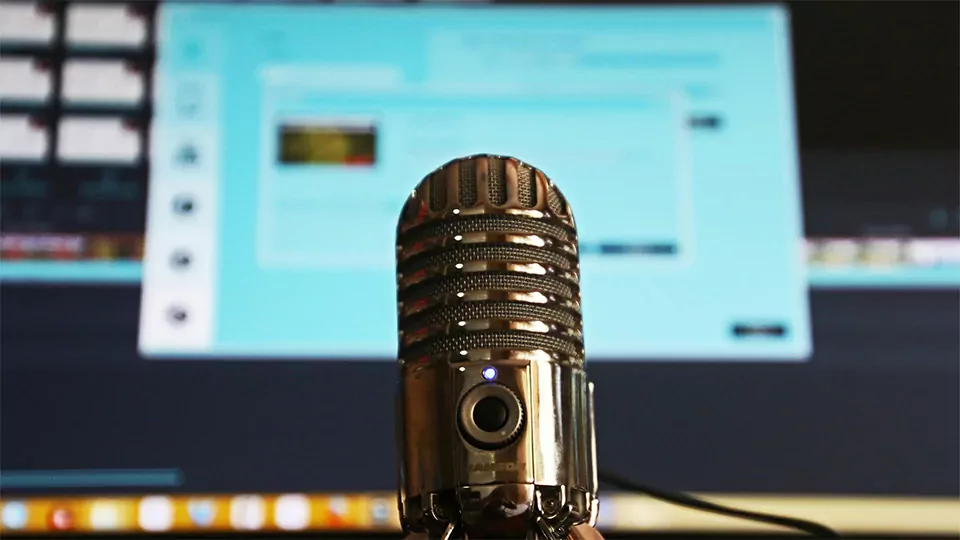
4. Test System Performance Monthly
Don’t wait until a major meeting to find out something’s not working. Create a monthly checklist:
- All microphones are operational
- Speakers output sound evenly
- Signal latency is minimal
- Echo or feedback is under control
Tip: Use pre-meeting sound checks to identify issues early.
Conducting a monthly performance test is one of the most effective ways to ensure your conference system remains reliable and meeting-ready. Regular testing helps identify audio issues, connection problems, or hardware degradation before they affect important discussions. Even if the system appears to be functioning normally, small issues—such as slight distortion, microphone sensitivity changes, or inconsistent speaker output—can go unnoticed without routine checks.
A thorough monthly test should include evaluating microphone clarity, speaker volume levels, echo cancellation, and DSP processing performance. It is also important to test every input and output path, including USB, HDMI, network audio (Dante or AES67), and wireless channels. Verifying that touch panels, control processors, and automation settings respond correctly ensures the system operates smoothly during actual meetings.
Additionally, you should simulate real usage scenarios, such as hybrid meetings with remote participants, to detect latency issues or platform-related compatibility problems. This helps confirm that both in-room and online participants can hear and communicate without interruptions. Documenting test results and noting any anomalies allows for early troubleshooting and prevents minor issues from becoming major failures.
By performing consistent monthly tests, businesses maintain high system reliability, optimal audio performance, and uninterrupted meeting experiences. This proactive approach ensures your conference system always performs at its best when it matters most.
5. Train Your Staff
Simple issues often arise from incorrect usage. Provide basic training on:
- Turning microphones on/off
- Adjusting volume and mute settings
- Handling wireless mic charging
- Knowing when to report technical faults
A little knowledge goes a long way in preventing user-related disruptions.
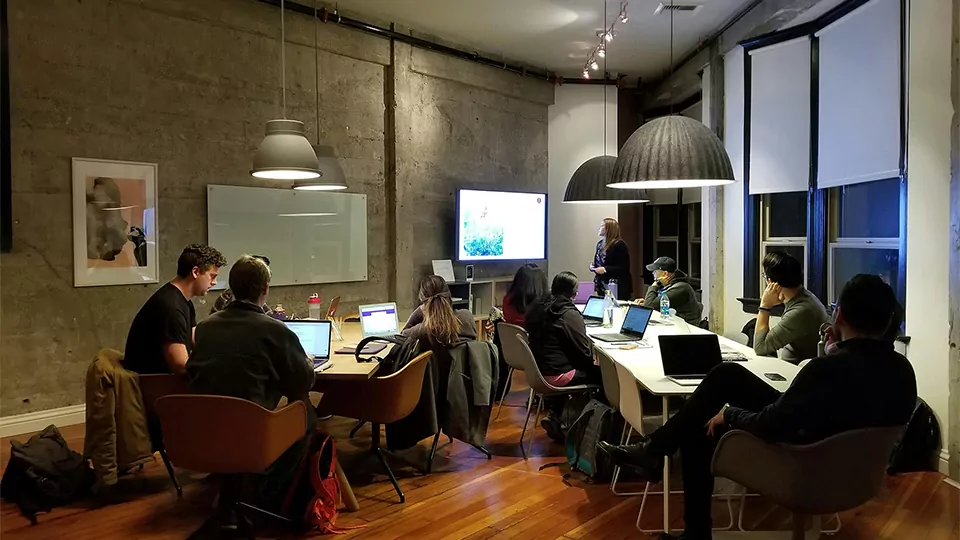
Proper staff training is essential to ensuring long-term conference system performance and minimizing technical issues during meetings. Even the most advanced audio systems can underperform if users are unfamiliar with basic operation procedures. By equipping your team with the right knowledge, you can significantly reduce user errors, improve meeting efficiency, and maintain overall system reliability.
Training should cover fundamental skills such as proper microphone handling, switching input sources, adjusting volume levels, and recognizing common audio problems like feedback or muted channels. Staff should also understand how to operate control panels, touch interfaces, or conferencing software, ensuring they can quickly set up meetings without confusion.
In addition, teaching staff how to perform simple pre-meeting checks—such as verifying microphone battery levels, confirming connections, and testing audio output—helps prevent avoidable disruptions. When users know how to respond to unexpected issues, such as reconnecting a wireless microphone or restarting a frozen control interface, downtime is minimized.
Well-trained staff provide smoother, more professional meeting experiences and reduce the number of technical support requests. By investing time into regular training and refresher sessions, businesses can maintain consistent system performance, enhance user confidence, and ensure that meetings proceed efficiently and without interruption.

6. Schedule Professional Inspections
Once or twice a year, bring in an AV expert to:
- Calibrate the entire system
- Run diagnostic tests
- Optimize mic sensitivity and speaker levels
- Recommend hardware upgrades if needed
This proactive approach keeps your conference system reliable year-round.
While routine in-house maintenance is essential, scheduling professional inspections at least once or twice a year is crucial to ensure your conference system operates at peak performance. Certified technicians have the expertise to identify subtle issues that may not be apparent during regular checks, such as signal interference, firmware inconsistencies, equipment wear, or hidden cable faults.
During professional inspections, technicians can perform comprehensive testing of microphones, speakers, amplifiers, mixers, and control systems, verify network and software integration and calibrate audio levels for optimal clarity and coverage. They can also recommend upgrades or adjustments to improve system reliability, reduce latency, or enhance user experience.
Regular professional oversight helps prevent minor problems from escalating into costly repairs or system downtime. It also ensures that your audio infrastructure complies with industry standards, safety regulations, and manufacturer guidelines, prolonging equipment lifespan and protecting your investment.
By combining routine internal maintenance with periodic professional inspections, businesses can maintain consistent audio quality, reliable system performance, and uninterrupted meeting functionality, keeping conference environments efficient and professional at all times.
The Payoff: Consistent, Professional Meetings
Well-maintained conference equipment means:
- Better communication
- Fewer tech interruptions
- Increased confidence during presentations
- Longer equipment lifespan (saves money long term)
Investing time and effort into regular conference system maintenance delivers tangible benefits that directly impact meeting quality and organizational efficiency. A well-maintained system ensures consistent audio clarity, reliable connectivity, and smooth operation, allowing meetings to proceed without technical disruptions or unexpected delays.
When equipment functions optimally, participants can focus entirely on discussion, collaboration, and decision-making, rather than troubleshooting microphones, speakers, or control panels. This not only improves productivity but also reinforces a professional image during internal meetings, client presentations, and hybrid sessions involving remote attendees.
The long-term advantages include extended equipment lifespan, reduced repair costs, and minimized downtime, which translate into both financial savings and operational stability. Additionally, teams gain confidence in using the system, knowing that routine maintenance—combined with staff training and professional inspections—keeps the technology dependable at all times.
Ultimately, proactive maintenance ensures that every meeting reflects the organization’s commitment to efficiency, professionalism, and effective communication, making the conference system a reliable backbone for daily business operations.
Conclusion
Regular maintenance of a conference system is essential for ensuring reliable performance, clear audio, and seamless communication during every meeting. By implementing consistent practices—such as cleaning and protecting microphones, checking connections and cables, updating firmware and software, testing system performance monthly, training staff, and scheduling professional inspections—organizations can prevent technical issues, extend equipment lifespan, and maintain a professional meeting environment.
A well-maintained system not only supports day-to-day operations but also enhances productivity, collaboration, and the overall user experience. Teams can focus on content and interaction rather than troubleshooting technical problems, fostering more effective discussions and decision-making.
Ultimately, proactive maintenance allows businesses to maximize the value of their conference system investment, ensuring that it remains a reliable, high-performing tool that supports professional, efficient, and uninterrupted meetings now and into the future.